





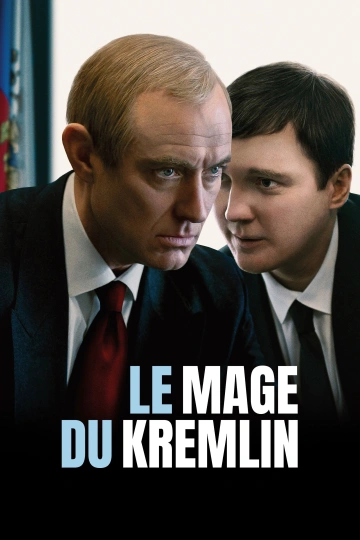
Russie, dans les années 1990. L’URSS s’effondre. Dans le tumulte d’un pays en reconstruction, un jeune homme à l’intelligence redoutable, Vadim Baranov, trace sa voie. D’abord artiste puis producteur de télé-réalité, il devient le conseiller officieux d’un ancien agent du KGB promis à un pouvoir absolu, le futur « Tsar » Vladimir Poutine.
Plongé au cœur du système, Baranov devient un rouage central de la nouvelle Russie, façonnant les discours, les images, les perceptions. Mais une présence échappe à son contrôle : Ksenia, femme libre et insaisissable, incarne une échappée possible, loin des logiques d’influence et de domination.
Quinze ans plus tard, après s’être retiré dans le silence, Baranov accepte de parler. Ce qu’il révèle alors brouille les frontières entre réalité et fiction, conviction et stratégie. Le Mage du Kremlin est une plongée dans les arcanes du pouvoir, un récit où chaque mot dissimule une faille.
Date de sortie : 21 janvier 2026
Durée : 2h 16min
Genre : Thriller
De : Olivier Assayas
Par : Olivier Assayas, Emmanuel Carrère
Avec : Paul Dano, Jude Law, Alicia Vikander
Titre original : The Wizard Of The Kremlin
Vous pouvez donner un avis uniquement après avoir téléchargé le fichier.
Il n’y a aucun avis à afficher.