





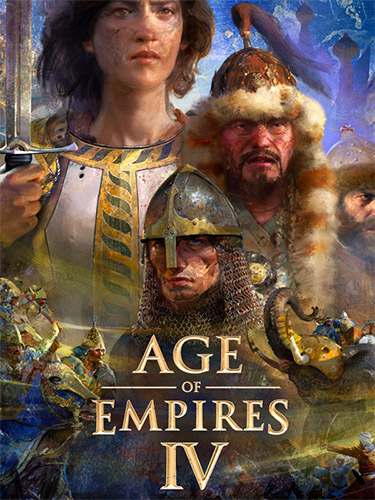
Repack Features
Based on Age.of.Empires.IV.Anniversary.Edition.Yue.Feis.Legacy.MULTi24-RUNE ISO release: rune-age.of.empires.iv.anniversary.edition.yue.feis.legacy.multi24.iso (112,472,850,432 bytes)
Game version: v16.1.9737.0; 7 DLCs/Bonuses are included and activated
100% Lossless & MD5 Perfect: all files are identical to originals after installation; 4K HDR Videos moved to a separate repack
4K HDR Videos moved to a separate repack, NOTHING re-encoded
Selective Download feature: you may skip downloading and installing of bonus content (OST + Unit Counters Chart + Banner), “Hands on History” documentaries (unlocked during the campaign) and video packs for languages you don’t need. Keep in mind that for proper gaming experience at least one of the videos pack for your language must be downloaded and installed
Significantly smaller archive size (compressed from 104.7 to 22.5~60.7 GB, depending on selected components)
Installation takes 5-20 minutes for any single language
After-install integrity check so you could make sure that everything installed properly
HDD space after installation: up to 96.3 GB
Use “language.changer.exe” in game root to change the game language
Repack uses XTool library by Razor12911
At least 3 GB of free RAM (inc. virtual) required for installing this repack
Vous pouvez donner un avis uniquement après avoir téléchargé le fichier.
Il n’y a aucun avis à afficher.