





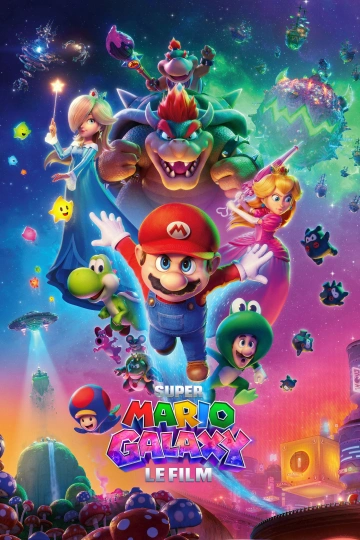
Après SUPER MARIO BROS., l’adaptation cinématographique du célèbre jeu vidéo et forts du succès remporté dans le monde entier avec plus d’un milliard de dollars de recettes, ILLUMINATION et NINTENDO se retrouvent une nouvelle fois, afin de nous offrir un tout nouveau chapitre, cette fois à dimension cosmique, mais tout aussi bourré d’action : SUPER MARIO GALAXY.
À peine installés au Royaume Champignon, un mystérieux appel à l'aide va pousser Mario et Luigi à reprendre du service et plonger dans les zones d’ombre du passé de la princesse Peach. Une mission qui va propulser nos héros et leur nouvelle constellation d’amis, très loin de chez eux, à travers un périple intergalactique, à la découverte de nouveaux mondes où se forgeront des alliances pour le moins inattendues.
Date de sortie : 1 avril 2026
Durée : 1h 39min
Genre : Action, Animation, Aventure, Famille, Fantastique
De : Aaron Horvath, Michael Jelenic
Par : Matthew Fogel
Avec : Chris Pratt, Anya Taylor-Joy, Charlie Day
Titre original : The Super Mario Galaxy Movie
Vous pouvez donner un avis uniquement après avoir téléchargé le fichier.
Il n’y a aucun avis à afficher.