





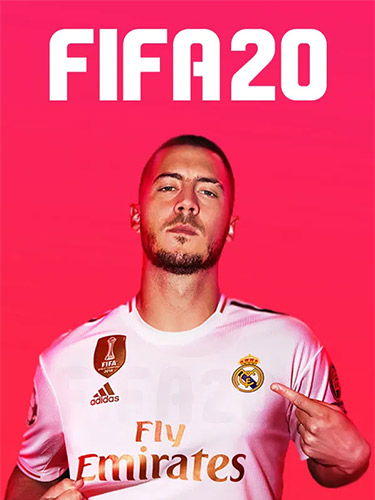
Repack Features :
- Based on FIFA.20-voices38 P2P release: voices38-fifa.20.iso (57,878,018,048 bytes)
- voices38 crack with anadius Origin emu is applied over
- Game version: v1.0.66.8249
- All Champion/Ultimate Edition bonuses are online-only, so it’s just a generic edition without any DLCs
- 100% Lossless & MD5 Perfect: all files are identical to originals after installation
- NOTHING ripped, NOTHING re-encoded
- Selective downloade feature: you may skip downloading and installing of commentary files you don’t need
- Significantly smaller archive size (compressed from 53.9 to 27.5~42.4 GB, depending on selected components)
- Installation takes from ~1 hour (on 24-threads CPU) up to ~2 hours (on 8-threads CPU)
- After-install integrity check so you could make sure that everything installed properly
- HDD space after installation: up to 55.6 GB
- Language can be changed in “anadius.cfg” file
- Video and audio settings can be changed via “FIFA 20 Settings” icon, placed on desktop
- Repack uses XTool library by Razor12911
- At least 3 GB of free RAM (inc. virtual) required for installing this repack
Vous pouvez donner un avis uniquement après avoir téléchargé le fichier.
Il n’y a aucun avis à afficher.