





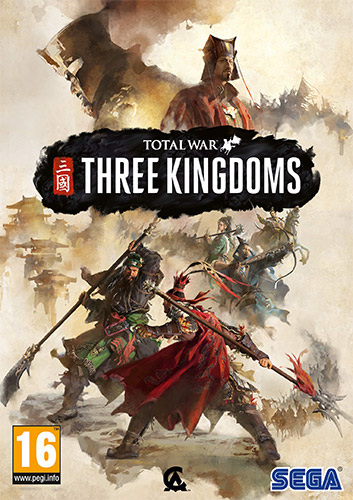
Repack Features :
- Based on Steam v1.7.1 Build 17847.0 multilanguage release: 57.3 GB, thanks to voices38!
- Total.War.Three.Kingdoms.v1.7.1.Crack.Only.V2-voices38 (includes Goldberg emu) applied over
- Game version: v1.7.1 Build 17847.0; 10 DLCs are included and activated
- 100% Lossless & MD5 Perfect: all files are identical to originals after installation (ONLY when installed with all components!)
- NOTHING ripped, NOTHING re-encoded
- Selective Download feature: you may skip downloading and installing of language files you don’t need. Also you may exclude dowloading and installing of Chinese voiceovers, which can be combined with any other language (check game settings)
- Significantly smaller archive size (compressed from 57.3 GB to 15.7~31.6 GB, depending on selected components)
- Installation takes 8-20 minutes for any single language (depending on your system)
- After-install integrity check so you could make sure that everything installed properly
- HDD space after installation: up to 57.3 GB
- Language can be changed in game settings (Audio section, displays selection when several language packs are installed)
- At least 2 GB of free RAM (inc. virtual) required for installing this repack
Vous pouvez donner un avis uniquement après avoir téléchargé le fichier.
Il n’y a aucun avis à afficher.