





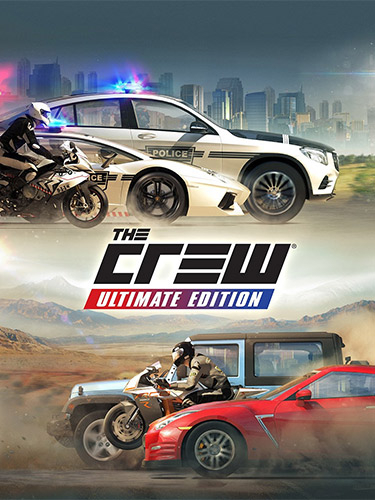
Repack Features :
- Based on v1.2.0.0 game files with TCU (The Crew Unlimited) Offline Server applied over: 24.5 GB, Thanks to GAMEDRIVE.ORG!
- Russian version files (2.1 GB) added, thanks to Ress!
- Patched TCU DLLs with Steam detection disable is available in “_Fixed DLL” folder after installation, thanks to Nobunaga & Kirigiri’s!
- You can select the type of installation: 14 languages version or the Russian one
- All DLCs are included, but can be accessed only via TCU Cheats menu (check official TCU Discord or this page: https://cs.rin.ru/forum/viewtopic.php?p=3357982#p3357982)
- You can run the game either via “The Crew” or “The Crew (TCU Launcher)” desktop icons. The latter one allows you to update the TCU itself and apply cheats, which will unlock DLC cars
- Game executable should be blocked from Internet, but Internet itself must be working, otherwise you’ll face in-game errors
- 100% Lossless & MD5 Perfect: all files are identical to originals after installation
- NOTHING ripped, NOTHING re-encoded
- Significantly smaller archive size (compressed from cumulative 26.6 to 12.9 GB)
- Installation takes 15-40 minutes (depending on your system)
- After-install integrity check so you could make sure that everything installed properly
- HDD space after installation: up to 24.5 GB
- Language can be changed in game settings (if MULTi14 version was installed)
- Repack uses XTool library by Razor12911
- At least 4 GB of free RAM (inc. virtual) required for installing this repack
Vous pouvez donner un avis uniquement après avoir téléchargé le fichier.
Il n’y a aucun avis à afficher.