





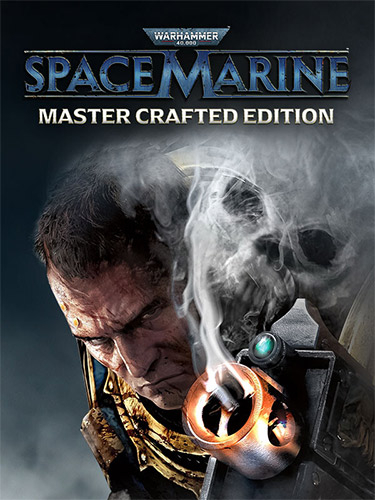
Repack Features :
- Based on Warhammer.40000.Space.Marine.Master.Crafted.Edition-RUNE ISO release: rune-warhammer.40000.space.marine.master.crafted.edition.iso (42,297,360,384 bytes)
- Steam version files (396 MB) with CODEX-RUNE Steam emu added, thanks to ElAmigos!
- Game version: v1.0.1038.3669 (MS Store)/v1.0.1038.3764 (Steam); All DLCs are included and activated
- You can switch between MS Store and Steam versions by running “Switch to MS Store Build.bat” & “Switch to Steam Build.bat” files in the game root. You might need to do so before applying certain future patches
- 100% Lossless & MD5 Perfect: all files are identical to originals after installation
- NOTHING ripped, NOTHING re-encoded
- Selective Download feature: you may skip downloading and installing of non-English voicevers
- Significantly smaller archive size (compressed from cumulative 39.8 to 6.9/7.3 GB)
- Installation takes 9-45 minutes (depending on your system)
- After-install integrity check so you could make sure that everything installed properly
- HDD space after installation: up to 44.2 GB (up to 51.4 GB during installation)
- Language can be changed in game settings
- Repack uses XTool library by Razor12911
- At least 2 GB of free RAM (inc. virtual) required for installing this repack
Vous pouvez donner un avis uniquement après avoir téléchargé le fichier.
Il n’y a aucun avis à afficher.