





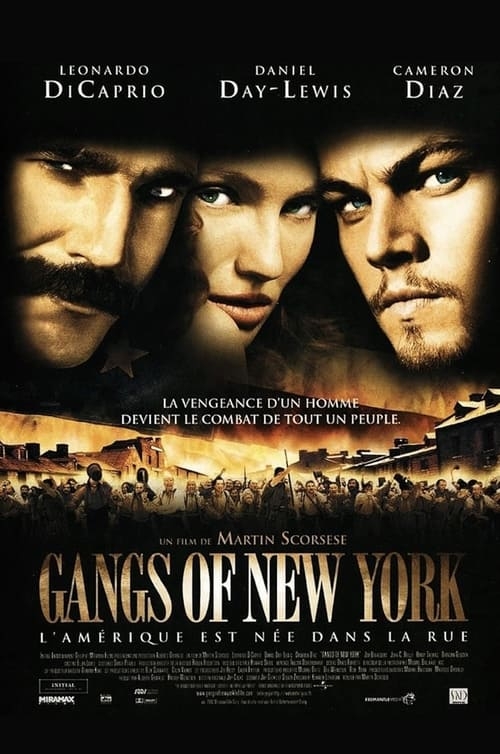
En 1846, le quartier de Five Points, un faubourg pauvre de New York, est le théâtre d'une guerre des gangs entre émigrants irlandais d'un côté, les Dead Rabbits menés par Père Vallon, et les Native Americans de l'autre, dirigés par le sanguinaire Bill le Boucher. Ce dernier met rapidement en déroute les Dead Rabbits en assassinant leur chef, et prend par la même occasion le contrôle exclusif des rues de la "grosse pomme". Afin de renforcer ses pouvoirs, Bill s'allie avec Boss Tweed, un politicien influent.
Seize ans plus tard, le gang des Native Americans règne toujours en maître dans New York. Devenu adulte, Amsterdam Vallon souhaite venger la mort de son père en éliminant Bill. Mais sa rencontre avec Jenny Everdeane, une énigmatique pickpocket dont l'indépendance et la beauté le fascinent, va compliquer les choses...
Date de sortie : 8 janvier 2003
Durée : 2h 50min
Genre : Action, Drame, Historique
De : Martin Scorsese
Par : Jay Cocks, Kenneth Lonergan
Avec : Leonardo DiCaprio, Daniel Day-Lewis, Liam Neeson
Vous pouvez donner un avis uniquement après avoir téléchargé le fichier.
Il n’y a aucun avis à afficher.