





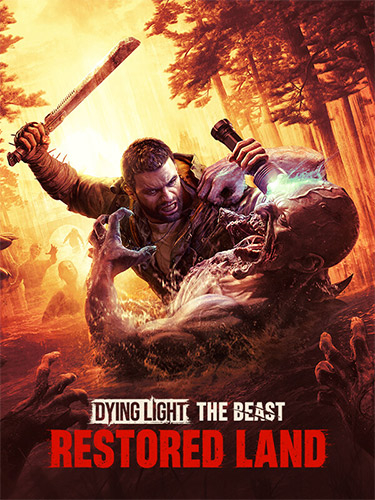
Repack Features :
- Based on Dying.Light.The.Beast.Restored.Land.Edition-TENOKE ISO release: tenoke-dying.light.the.beast.restored.land.edition.iso (71,593,246,720 bytes)
- Missing localizations (12.7 GB) added, thanks to AR-81!
- Alternative Online-fix by 0xdeadc0dewith multiplayer via Steam+Epic is available in NoDVD folder, for instructions open “NoDVD\Online Fix\readme.txt” file
- Game version: v1.6.0. 11 DLCs/Bonuses are included
- 100% Lossless & MD5 Perfect: all files are identical to originals after installation
- Bonus OST in WAV format nullified, NOTHING re-encoded
- Selective Download feature: you may skip downloading and installing of 4K videos, bonus content (OST, Map, Wallpapers) & localization packs you don’t need. Text/GUI support for English, Italian, Arabic, Traditional Chinese, Czech, Spanish – Latin America, Korean, Portuguese – Portugal & Turkish with English voiceovers is included by default
- Significantly smaller archive size (compressed from cumulative 79.4 to 33.2~42.1 GB, depending on selected components)
- Installation w/o optionals takes from 8 minutes (16-threads CPU + SSD) up to 35 minutes (8-threads CPU + HDD)
- After-install integrity check so you could make sure that everything installed properly
- HDD space after installation: up to 79.3 GB
- Language can be changed in “engine\source\bin\x64\tenoke.ini”
- Repack uses XTool library by Razor12911
- At least 2 GB of free RAM (inc. virtual) required for installing this repack
Vous pouvez donner un avis uniquement après avoir téléchargé le fichier.
Il n’y a aucun avis à afficher.