





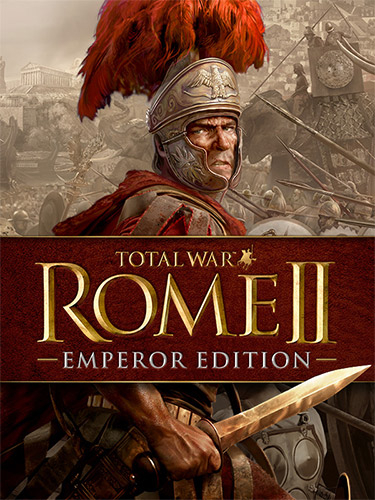
Repack Features :
- Based on GOG v2.5.6 build: 32.1 GB
- Game version: v2.5.6.3427123 GOG; 17 DLCs are included and activated
- 100% Lossless & MD5 Perfect: all files are identical to originals after installation
- NOTHING ripped, NOTHING re-encoded
- Selective Download feature: you can download only language files you need. English/Czech/Polish/Turkish support is included by default
- Significantly smaller archive size (compressed from 32.1 to 9.2~12.4 GB, depending on selected components)
- Installation takes 7-30 minutes (depending on your system and selected languages)
- After-install integrity check so you could make sure that everything installed properly
- HDD space after installation: up to 62.9 GB
- At least 2 GB of free RAM (inc. virtual) required for installing this repack
- To change game language copy “goggame-1259868547.info” file from the corresponding subfolder of the “_Language Switcher” folder to the game root
- Run the game ONLY via desktop icon, created by the installer
- Repack uses XTool library by Razor12911
Vous pouvez donner un avis uniquement après avoir téléchargé le fichier.
Il n’y a aucun avis à afficher.