





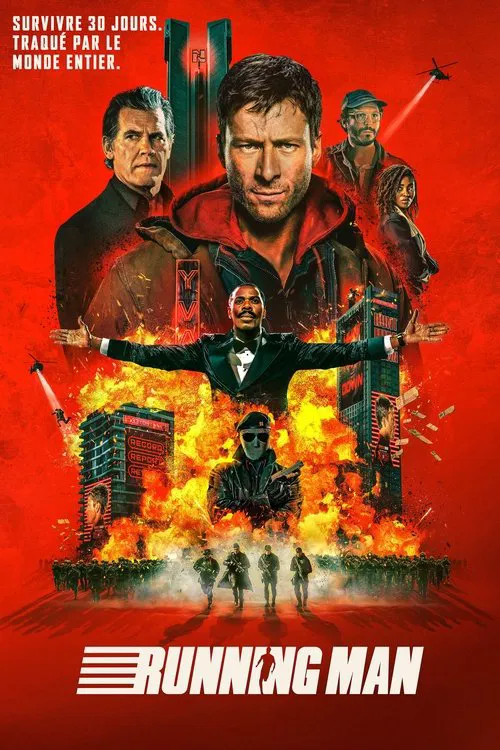
Dans un futur proche, The Running Man est l’émission numéro un à la télévision : un jeu de survie impitoyable où des candidats, appelés les Runners, doivent échapper pendant 30 jours à des tueurs professionnels, sous l'œil avide d’un public captivé. Chaque jour passé augmente la récompense à la clé — et procure une dose d’adrénaline toujours plus intense. Ben Richards, ouvrier désespéré prêt à tout pour sauver sa fille gravement malade, accepte l’impensable : participer à ce show mortel, poussé par Dan Killian, son producteur aussi charismatique que cruel. Mais personne n’avait prévu que Ben, par sa rage de vivre, son instinct et sa détermination, devienne un véritable héros du peuple… et une menace pour tout le système. Alors que les audiences explosent, le danger monte d’un cran. Ben devra affronter bien plus que les Hunters : il devra faire face à un pays entier accro à le voir tomber.
Date de sortie : 19 novembre 2025
Durée : 2h 14min
Genre : Action, Science Fiction, Thriller
De : Edgar Wright
Par : Edgar Wright, Michael Bacall
Avec : Glen Powell, Josh Brolin, William H. Macy
Titre original : The Running Man
Vous pouvez donner un avis uniquement après avoir téléchargé le fichier.
Il n’y a aucun avis à afficher.